Store reviews
Ask selected customers about delivery, service, and the buying experience. Keep store ratings separate from product ratings. Import and export store reviews.
Set up store reviews

Collect product and store reviews. Help shoppers find relevant feedback, see customer photos, and get answers before they buy.
Review request emails and reminders drive a 4-9x increase in review content, and a follow-up reminder adds about 50% more (source: Bazaarvoice).
Choose when requests go out, add reminders, and exclude products or orders. Each order-linked response can show a verified-purchase badge.
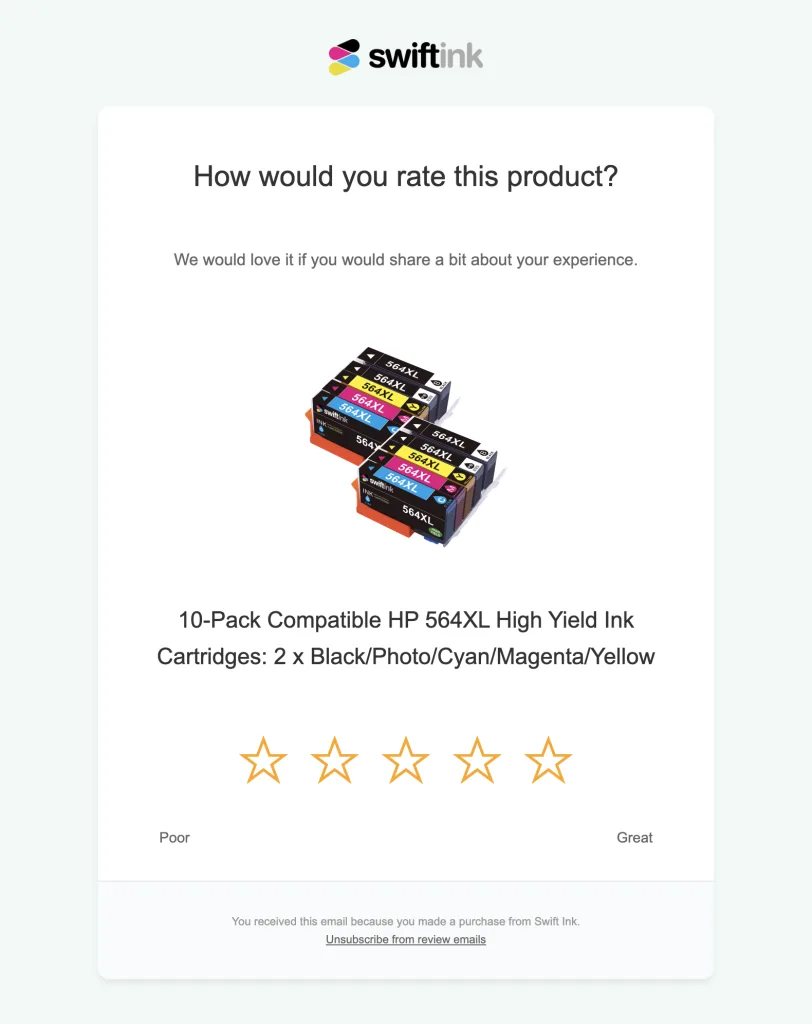
Ask selected customers about delivery, service, and the buying experience. Keep store ratings separate from product ratings. Import and export store reviews.
Set up store reviewsHelp customers show off their product in the real world.
Offer a unique coupon code to customers who leave reviews (or to customers who upload a photo or video)
See how incentives workAsk customers important questions about their experience, such as "How did it fit?" "How tall are you?" etc
The Display Widget brings ratings, reviews, customer photos, topic filters, and product Q&A together. Features depend on your plan.
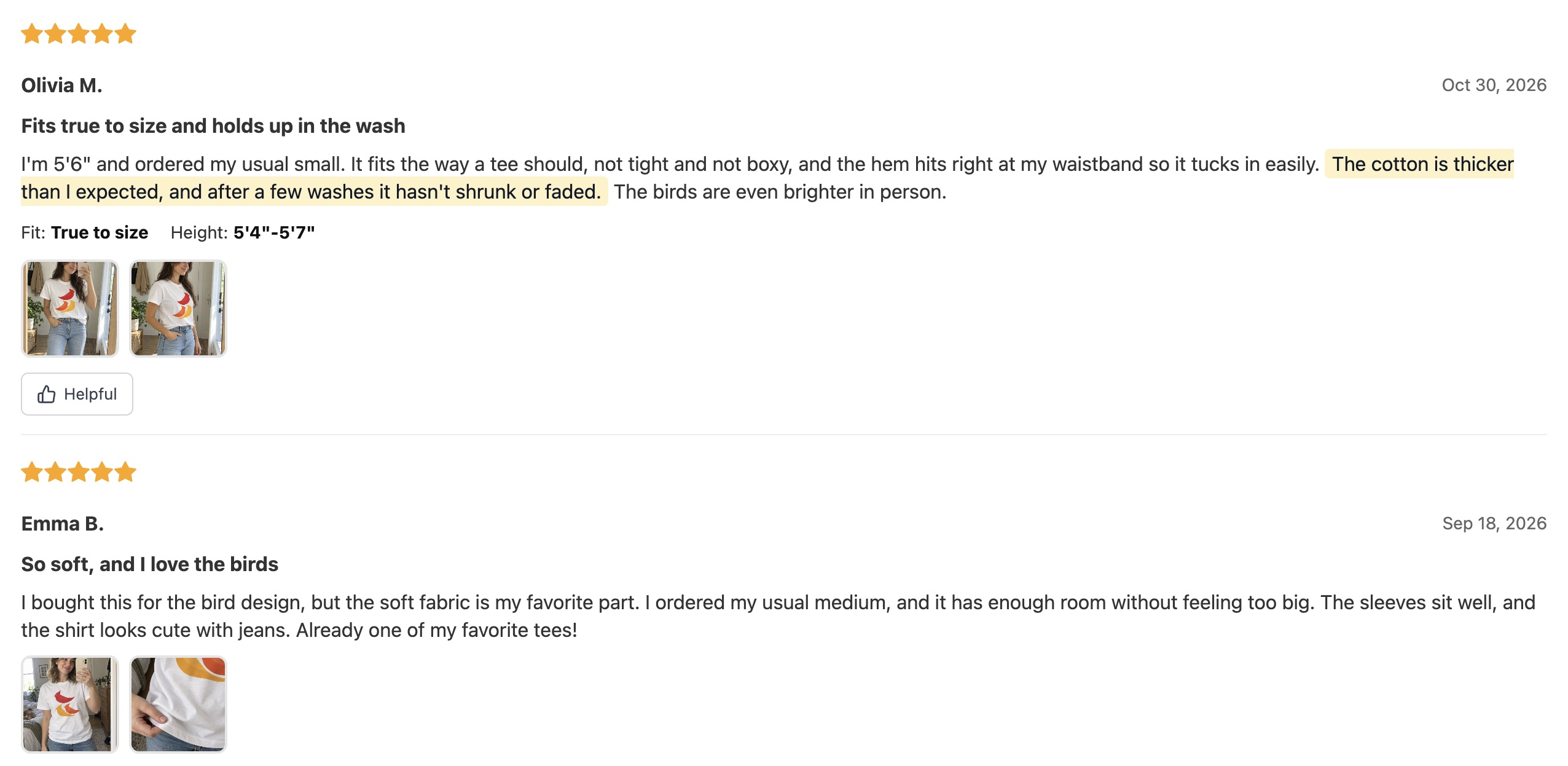
We use AI to identify the most compelling sentence in user reviews so we can highlight them.
Explore AI HighlightsShoppers can read published answers and ask their own questions. Reply in Reviewbird and publish the answer for future shoppers.
Set up product Q&ADraft FAQs and replies from approved reviews, then check them before publication. You can also offer instant answers with source reviews. Shoppers can still contact your store.
Learn how AI answers workTurn review themes into filters such as fit or comfort. Rename, hide, and restore topics. Enable topic filters in the Display Widget when you are ready.
Set up review topicsShow customer photos above the review list. Open a photo to see the image and its review. Turn the strip off in Display Widget settings if needed.
Shows a summary of all reviews. What customers like, what they didn't like, etc.
Help a shopper find the answers to the question their asking: do people like me buy stuff like this?
Turn Custom Question answers into clear patterns for fit, quality, use case, and other product details.
Review Guard checks text for spam, off-topic content, and offensive language. Separate controls handle personal information and review media. Flagged reviews wait for your decision.
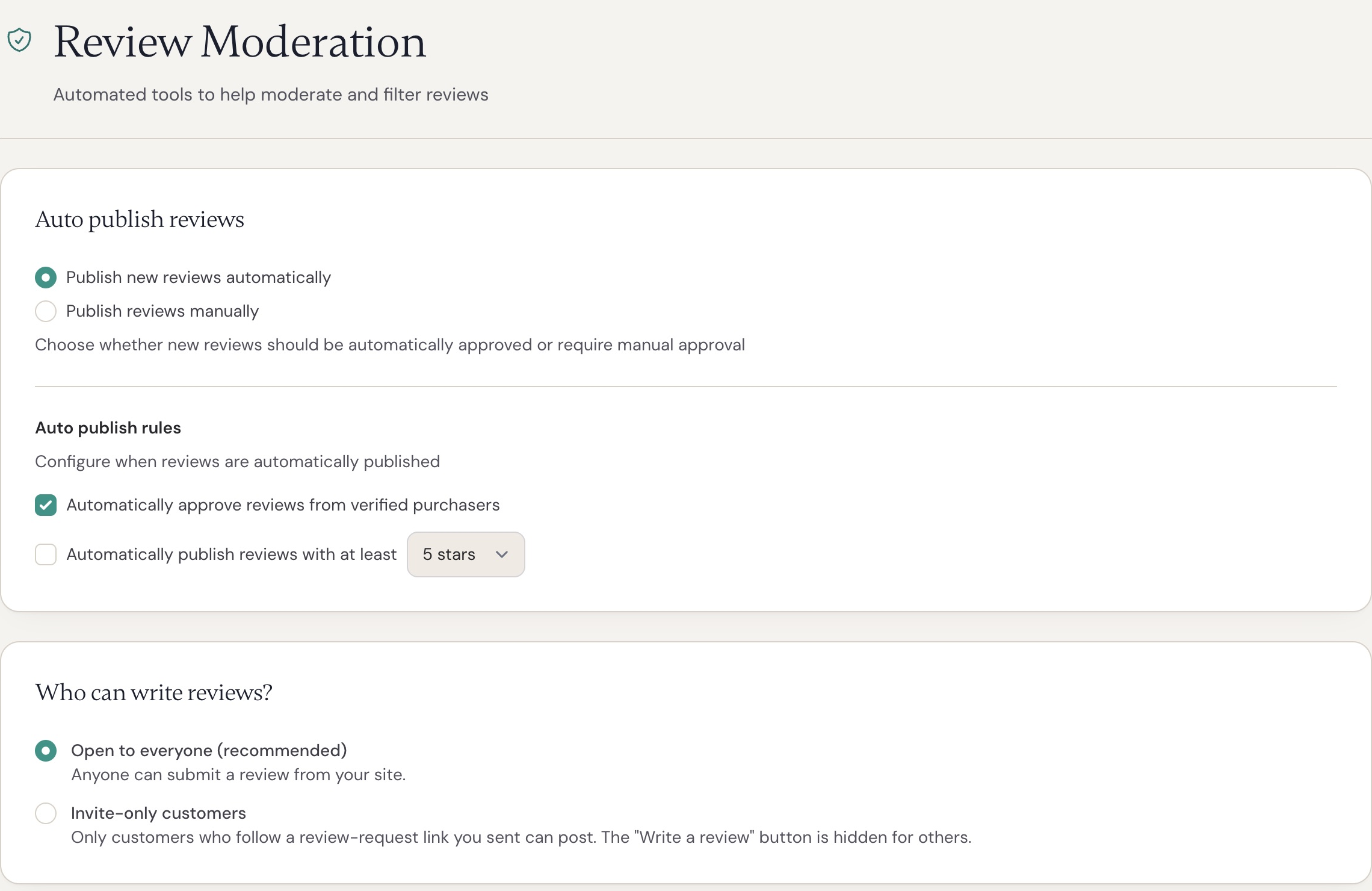
Automatically publish reviews that are from verified purchasers or that meet a minimum rating threshold.
Review Guard checks spam, off-topic content, and offensive language together. Flagged reviews need manual approval. Media checks also screen photos and videos.
Explore Review GuardRoute customers to a happy solution before they sound-off in your reviews.
Explore Review TriageOpen Widgets to configure the built-in Display Widget and Trust Badge, or create a custom widget. Choose product reviews or store reviews as your source.
Display your reviews on product pages, sales pages, etc - anywhere you want them. All perfectly styled to match your brand.
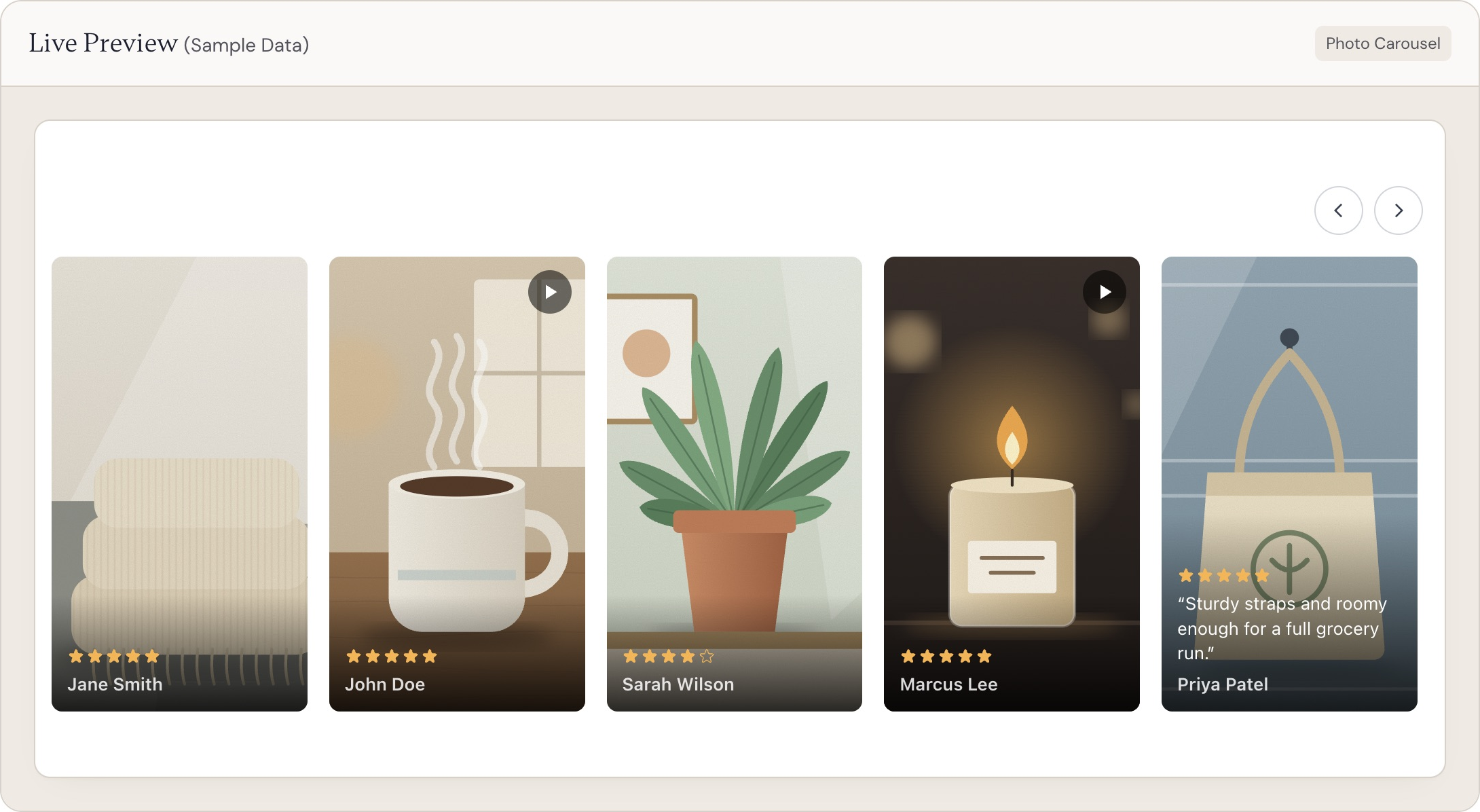
Add searchable review content to product pages. Share reviews across related products when it helps shoppers.
Show feedback about your store or products on home pages and landing pages. The Trust Badge can show product ratings, store ratings, or a combined rating.
Add structured review data that helps supported search services understand your product ratings.
Pre-render review content so crawlers can read it without waiting for a JavaScript widget.
Create an XML feed for eligible ratings in Google Shopping.
Install our tiny connector plugin and let Reviewbird do the rest. No database clutter or storage limits to worry about.
Connect the store tools you already use.
Keep review work away from your store server.
Bring your existing reviews with you and keep a copy when you leave.
We built Reviewbird to leverage the best of WooCommerce without slowing your store down.
Go deeper with each of our core features.
Choose when to ask for reviews, edit your emails, and set up reminders in Collect.
Read the guide Feature guideThank customers for their reviews with a discount on their next purchase.
Read the guide Feature guideTo configure auto publish and review moderation settings in Reviewbird, go to the Reviewbird Dashboard > Reviews > Moderation.
Read the guide Feature guideOffer support when a customer reports a poor experience, before they submit their review.
Read the guide Feature guideAI Review Highlights marks the strongest passage in a positive review. Shoppers can find the main product benefit more quickly. This feature is…
Read the guide Feature guideCollect feedback about delivery, service, and the buying experience. Set request shares, edit the form, and choose a Trust Badge source.
Read the guide Feature guideAnswer product questions, use AI drafts, import and export Q&A, and show published answers in the Display Widget.
Read the guide Feature guideEnable review topic filters, rename labels, and control which topics shoppers can see in the Display Widget.
Read the guideReviewbird gives you everything you need for great WooCommerce product reviews.
Reviewbird collects product and store reviews, checks incoming content, and displays customer feedback in widgets. Plus adds product Q&A. Everything adds AI answers and review topic filters.
Reviewbird uses real WooCommerce order events. You choose the delay, reminders, branding, and exclusions. Nothing sends until you turn requests on.
Review Guard checks review text, photos, and videos for spam, off-topic or offensive content, problem media, and personal information. You keep the final moderation decision.
No. Review Triage offers support after a poor experience. The customer can still submit a review if they choose to.
Highlights mark a strong customer-written sentence inside an eligible positive review. Summaries show the product strengths that customers mention most. Both update as new review content arrives.
Reviewbird handles storage, email delivery, media processing, moderation, and search on its own infrastructure. The widget does not hold up the product page.
Yes. Reviewbird can import WooCommerce, Judge.me, WiserReview, ReviewX, and CSV data. Every paid plan includes review export.
Yes. Reviewbird processes and stores review photos and videos on its own servers. The amount of media available depends on your plan.
Yes. We offer a 30-day free trial on every paid plan. Compare current prices and included features in the pricing table.
No. Instant AI answers are shown to the shopper with source reviews. Public Q&A shows the answers you publish. You can leave instant AI answers off and use product Q&A without them.
No. Store reviews have their own rating and totals. Product ratings stay separate. Choose the review source for custom widgets and the Trust Badge.
Install the plugin, choose when requests go out, and Reviewbird does the rest.
See plans and start free