

New in Reviewbird: Collect, Google reviews, Klaviyo, and more
Dark Mode, Google reviews, Klaviyo, etc. It's been a busy month at Reviewbird.
It's been a busy month at Reviewbird. We've quietly added a bunch of new functionality focused on helping WooCommerce merchants collect more reviews.
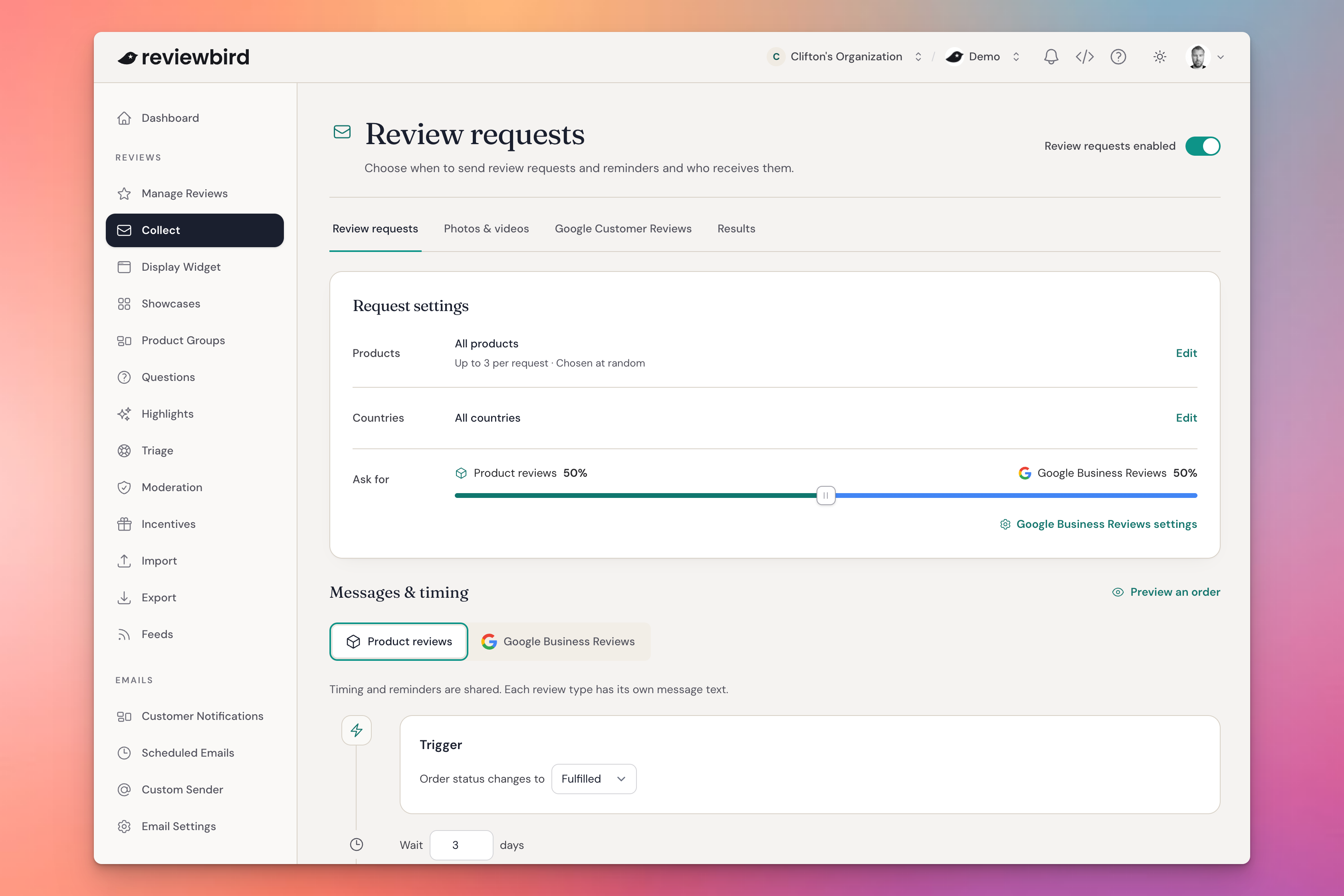
Manage your review requests in Collect
Your review request email templates, reminders, and settings now have one home: Collect.
You can edit the wording of each message and customize the delay between each message. For example, you can set a three-day delay for the first reminder and a seven-day delay for later reminders.
This makes it easier to see how your review collection process works and adjust it in one place.
We wanted to make review collection more intuitive without building a complete marketing funnel builders. But it's not just easier to use, it also lets us support other types of review requests, such as: Google Business Profile reviews.
Split requests between product reviews and Google Business Profile reviews
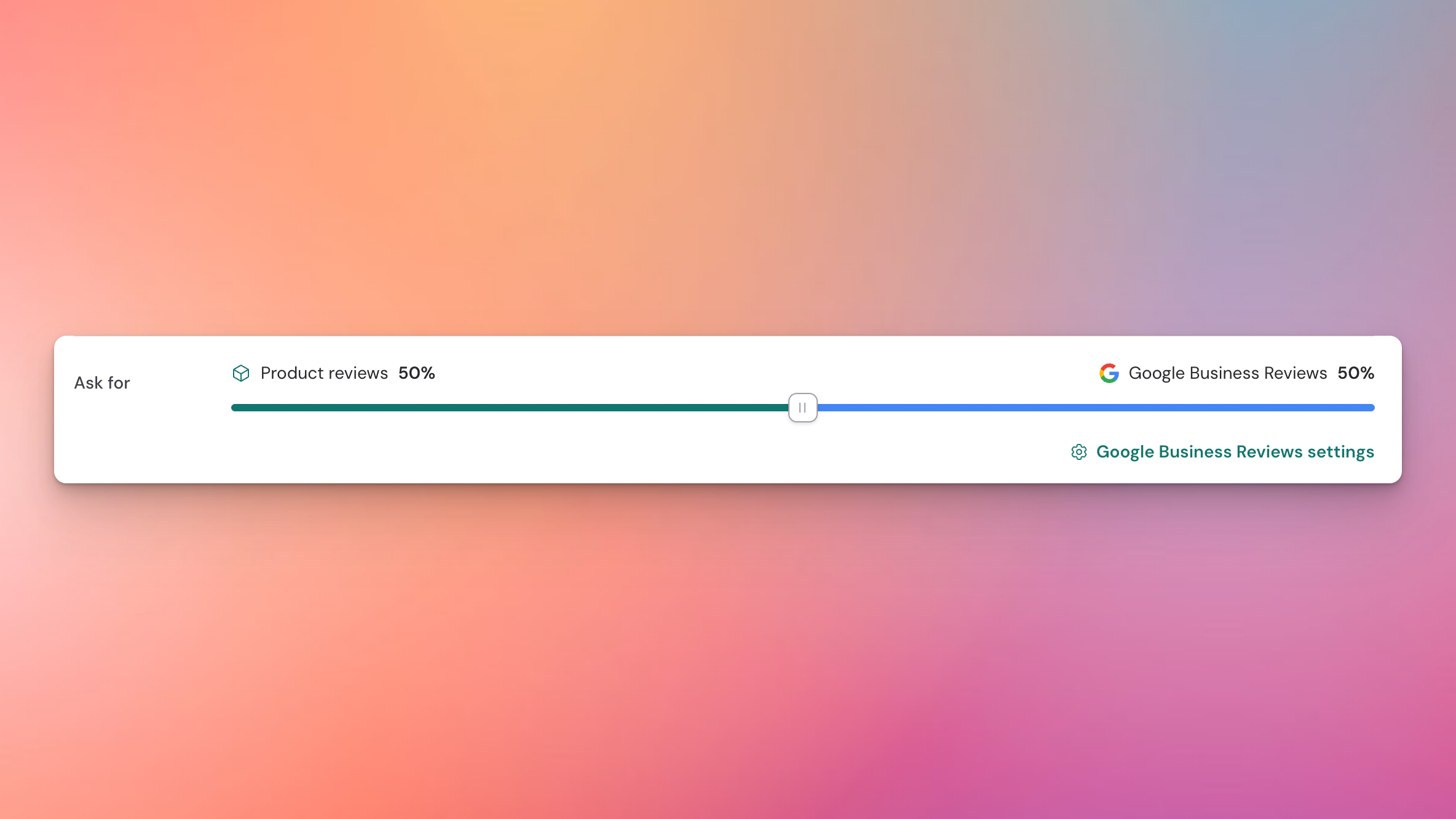
Product reviews help customers decide what to buy. Reviews on your Google Business Profile help them learn about your business. If you also have a physical store, both can be important and you shouldn't have to pick which one to promote.
Reviewbird now lets you split review requests between your products and your Google Business Profile.
You choose the mix. You can direct more requests toward product reviews, give your business profile more attention, or divide requests between the two however you like.
Collect Google Customer Reviews for your seller rating
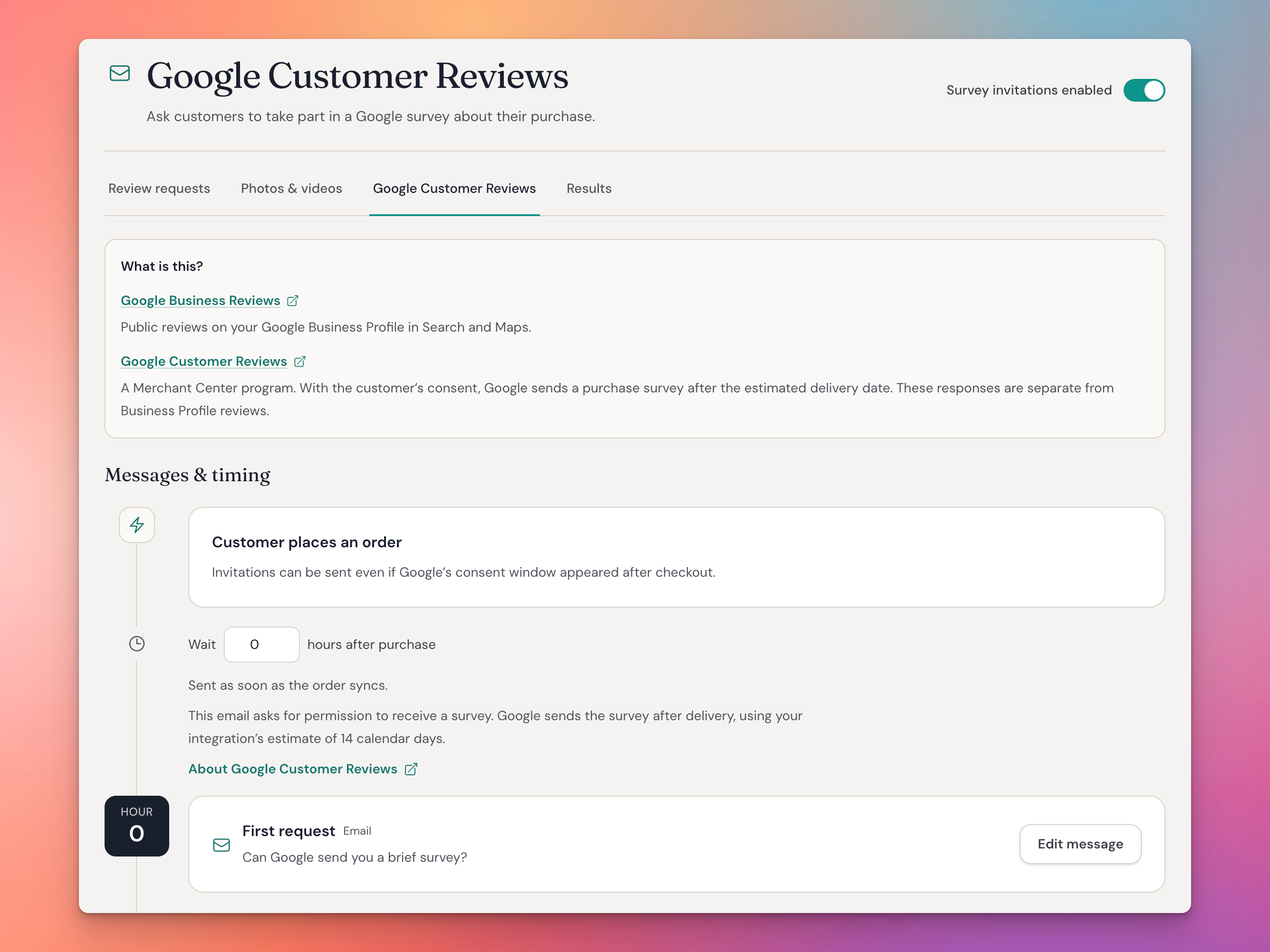
Google Seller Ratings are separate from Google Business Profile reviews. (They wouldn't be Google products if it wasn't at least a little confusing!)
Google Seller Ratings rate the shopping experience with your store and are required to include reviews in Google ads.
Google also calls this store ratings. To help with collecting these ratings, Google has a free product called Google Customer Reviews. Learn how Google store ratings work.
Reviewbird now helps you ask customers to leave a Google Seller Rating in two ways:
- On the thank-you page. Enable Google Customer Reviews in Dashboard → Integrations, and Reviewbird adds the code that displays the consent pop-up.
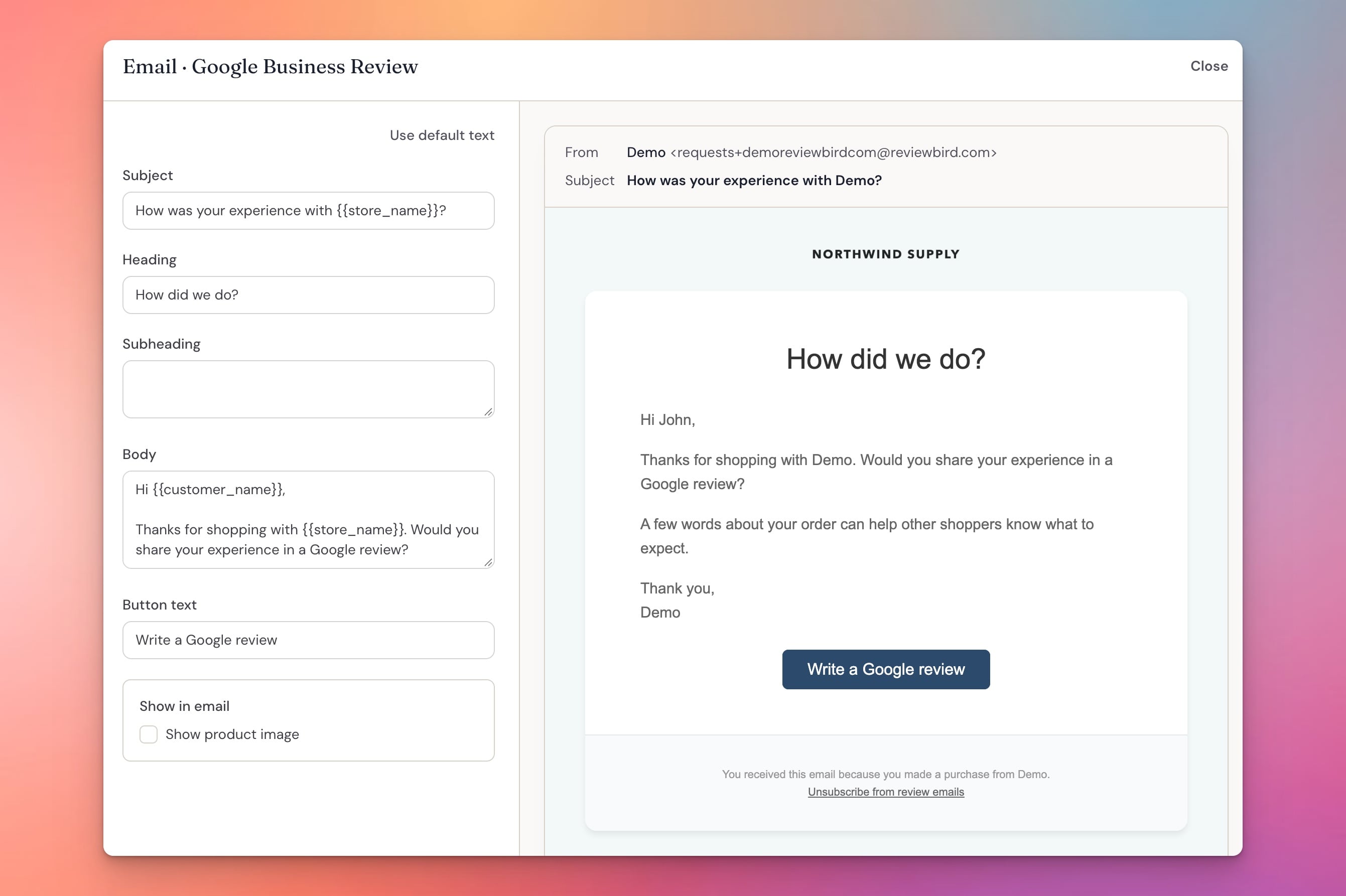
- Through an email after the order. Normally the consent pop-up only appears once on the thank you page. We've improved that by adding a separate page on your site to display the consent pop-up for an order on demand. This allows you to configure an email in Reviewbird to explicitly ask customers to opt-in to Google Customer Reviews.
Send review requests and reminders through Klaviyo
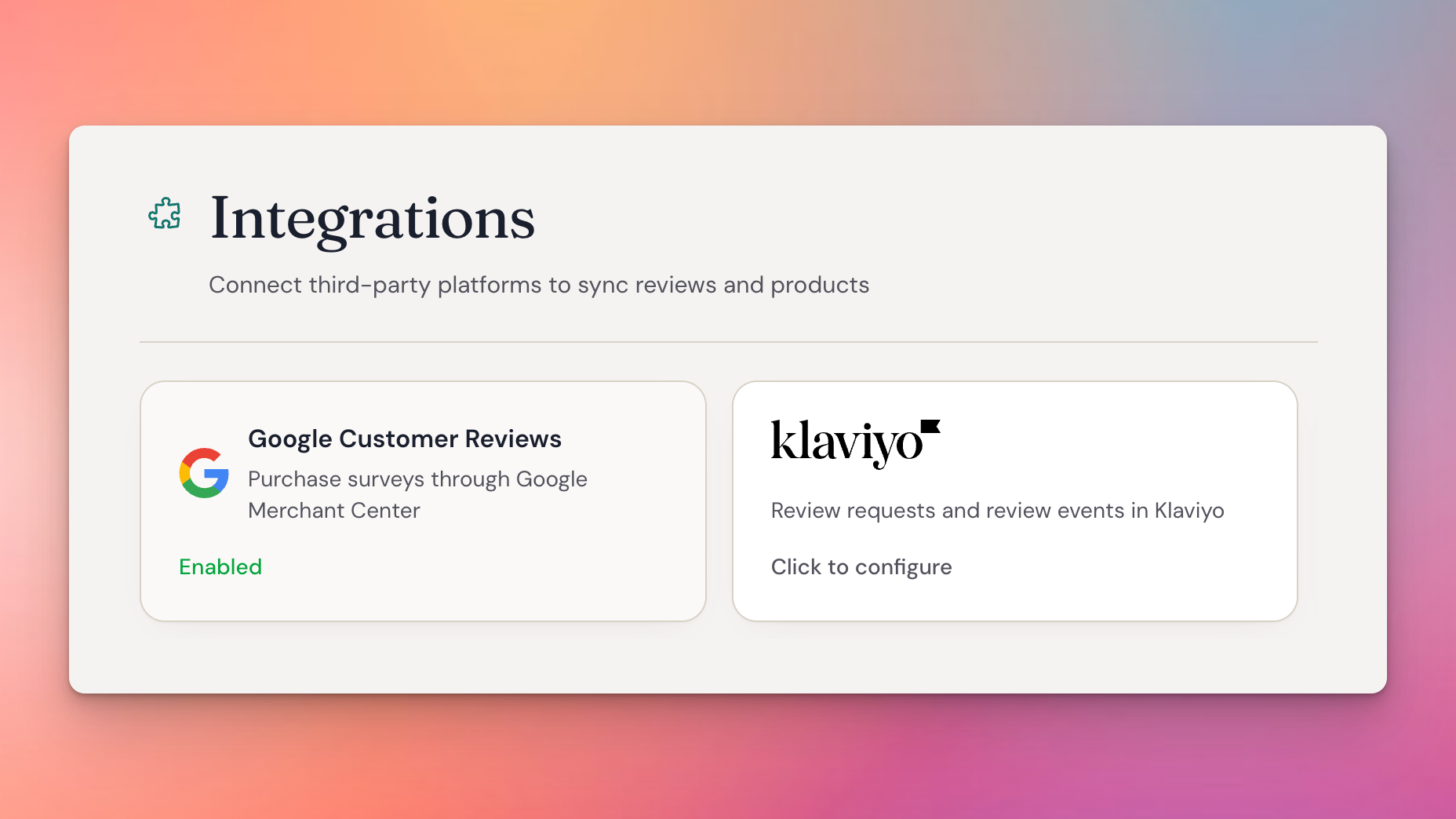
If you already use Klaviyo for customer emails, you can now use it for review requests and reminders too. Reviewbird handles the connection to WooCommerce and determining which orders get review requests. Klaviyo handles the actual emails.
A new dashboard design, with Dark Mode
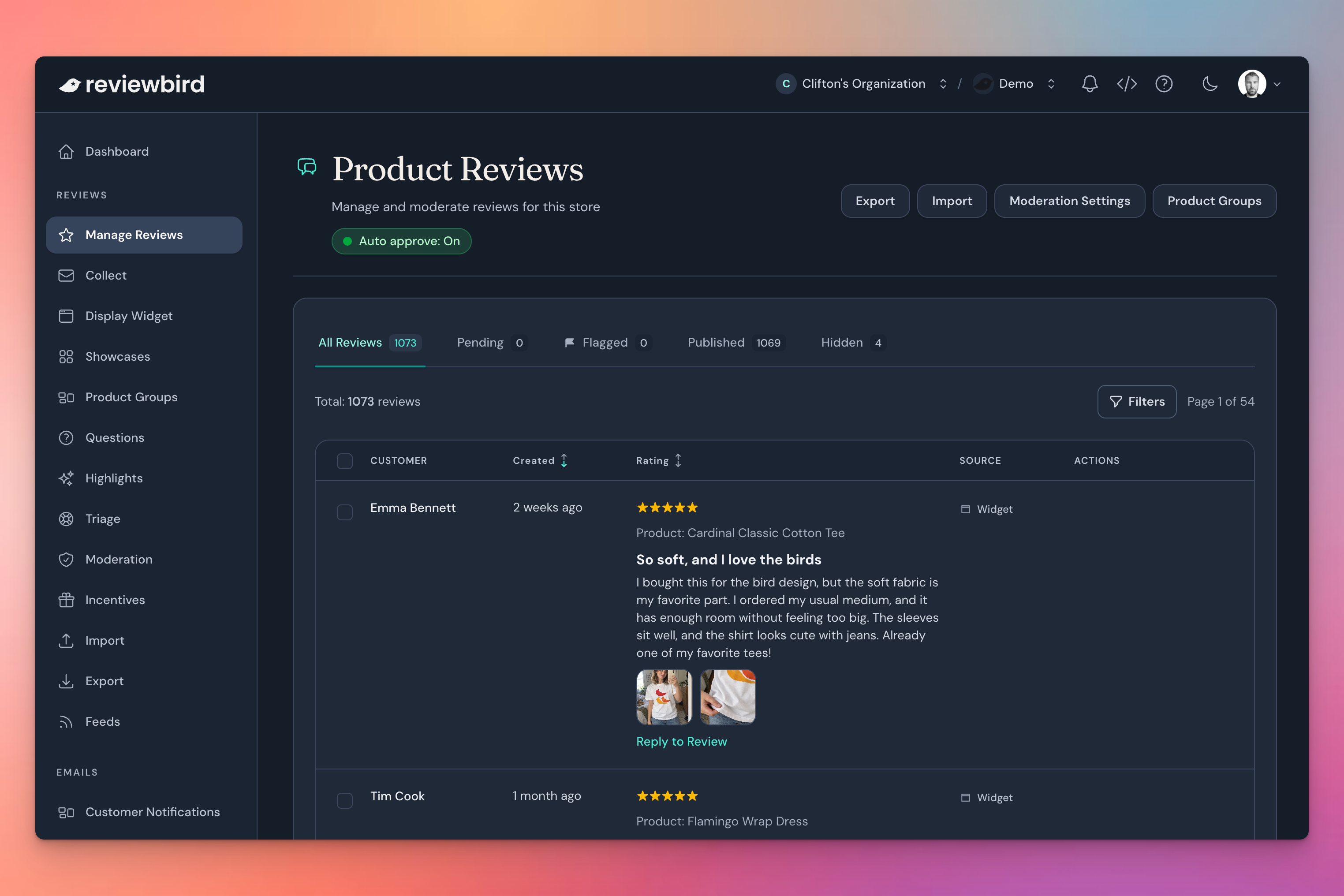
We have updated the dashboard to better match the our brand and generally improve the design. We think it looks really great and we hope you agree!
As part of this, we also added Dark Mode 🌑. As developers, we know first hand how blindingly bright conventional designs are. No more, dark mode will save your eye balls.
Show your overall rating with the new Trust Badge
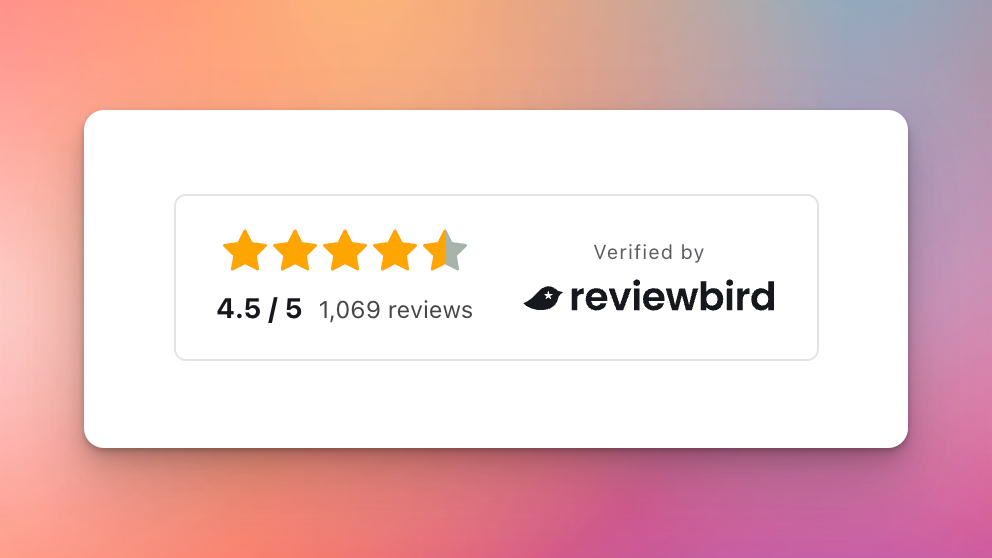
The new Trust Badge shows your overall score across all product reviews.
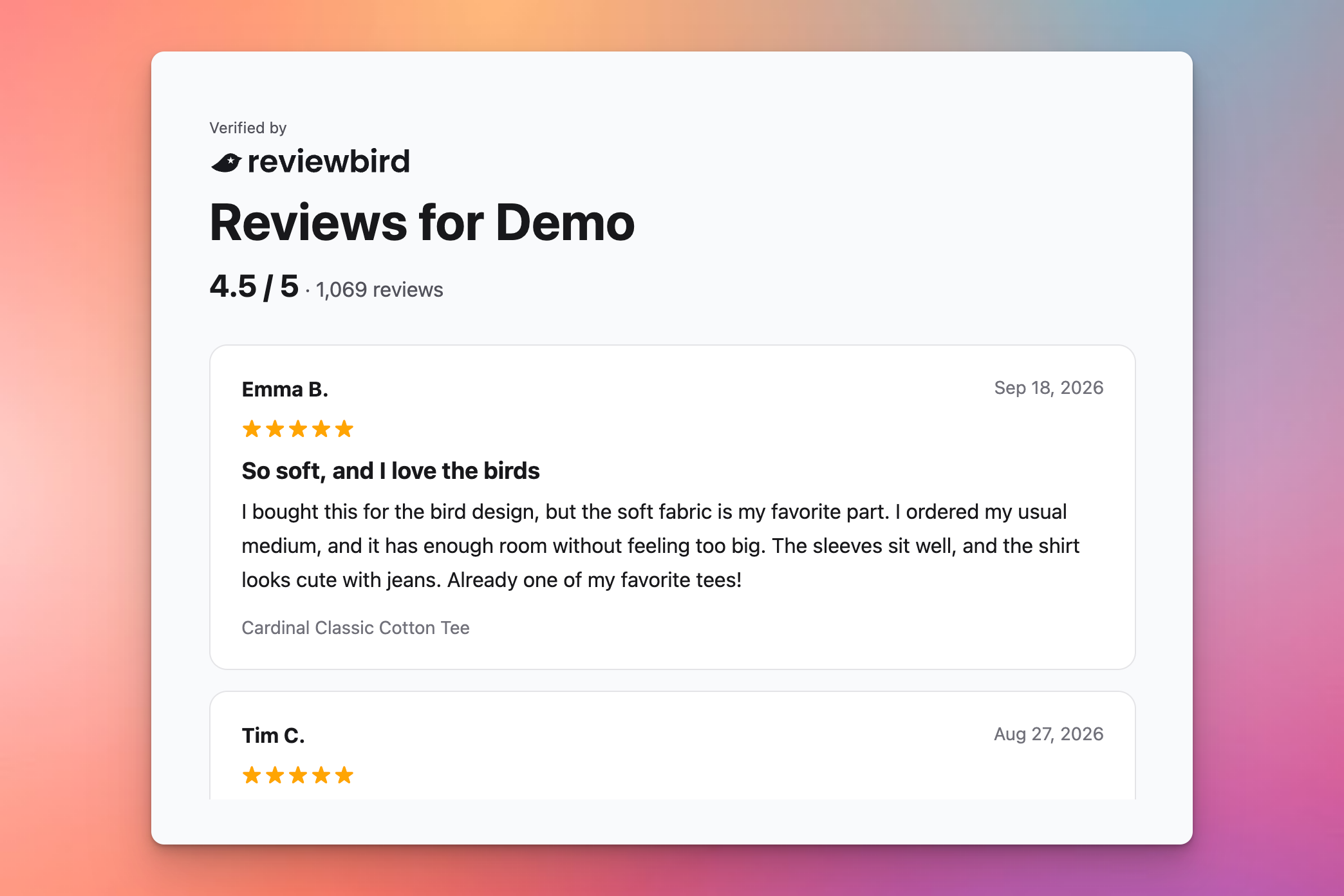
Customers can click the badge to open a page with all of your product reviews. This allows you to use your product reviews as a general store rating and showcase all of your feedback in one place.
A better view of photo and video reviews

We also redesigned the media lightbox that opens when a customer clicks a photo or video thumbnail.
The new layout adapts to the proportions of each image or video and showcases the review content with its media.
Faster loading and easier AI connections
In addition to all of the aboe, we also made a couple of notable changes behind the scenes:
- Faster page loads. We reviewed and optimized our storefront scripts to reduce their effect on page loading.
- Easier AI connections. We published our official ChatGPT plugin and Claude integration, making it easier to connect Reviewbird to your AI tools.
More to come
We're always working to improve Reviewbird. We want Reviewbird to be the absolute best solution for WooCommerce product reviews.
We can't wait to show you what else we have in store.